Archive
(19)Wavy text reveal01
Tomoya page transition02
Scroll image transition03
Stiff page transition04
Architecture film infinite slider05
Zoom-out scroll parallax06
Perspective section transition07
Wave text animation08
Draggable video windows09
Timeline cascading numbers10
Depixelization image effect11
Layout transitions12
Layered text scale effect13
Image gallery experience14
Cursor follower dynamic text15
Image parallax scroll effect16
Immersive vertical slider17
Chromatic seam carousel18
Behind the glass19







Description /
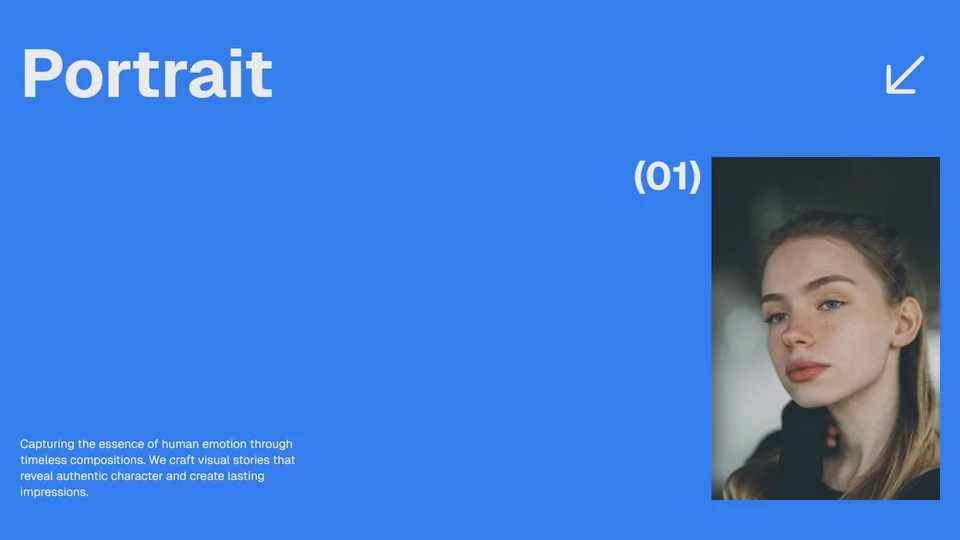
The reveal is timed precisely to scroll position, with a bounce on arrival that gives the motion character. The whole transition stays fluid from start to finish.
Techniques /
Original /
TrussDescription /
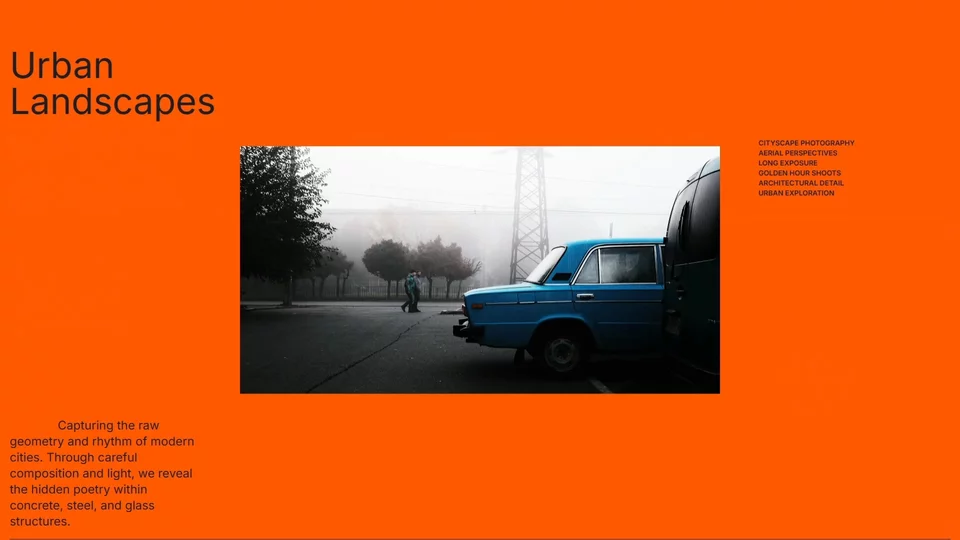
A sticky section extends the scroll range, giving the sequence room to breathe. The image scales from 1.2 to 1 for depth, a progress bar tracks scroll position, and the transition between images stays seamless throughout.
Techniques /
Original /
Layrid tomoyaokadaDescription /
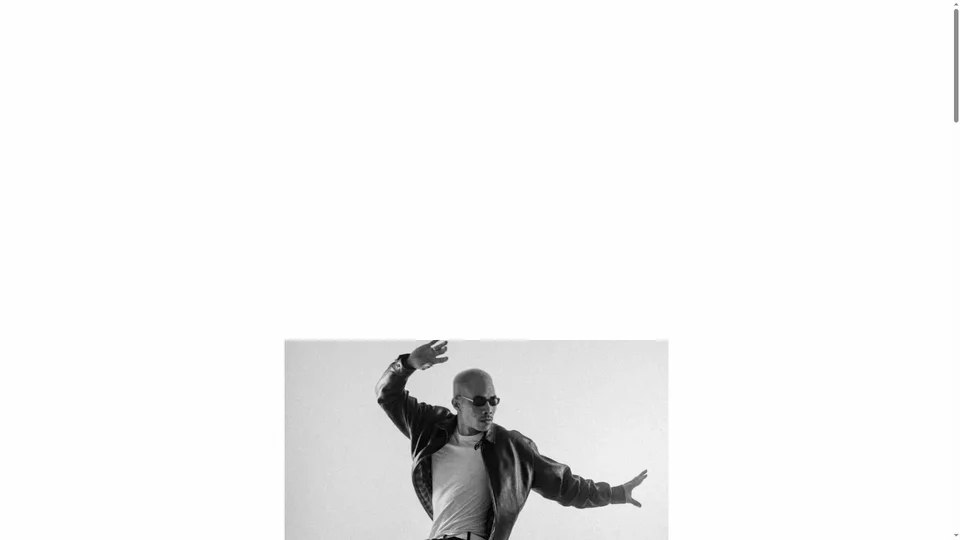
Images translate vertically in sync with scroll, carrying one section into the next without a visible break. Keeping the image centered maintains visual continuity throughout the transition.
Techniques /
Original /
DgreesDescription /
Each page runs its own reveal animation, so navigation never inherits a broken scroll position. On refresh, there's no overlay transition, just the reveal, which keeps the entry clean.
Techniques /
Original /
StiffDescription /
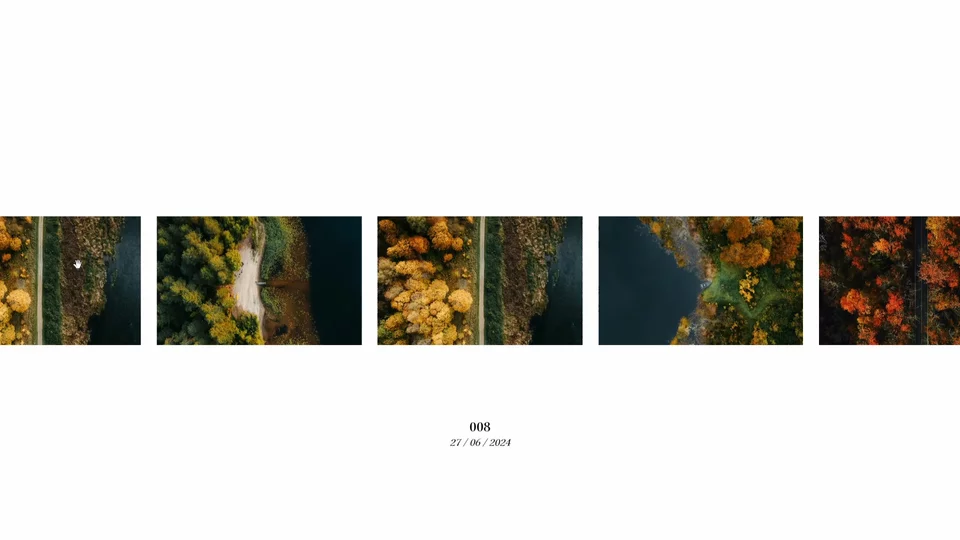
An infinite slider that genuinely changes how a page feels to navigate. Smoothy is quick to set up and customize, and responds to scroll, arrows, and drag, so users reach for whatever feels natural.
Techniques /
Original /
Architecture.filmDescription /
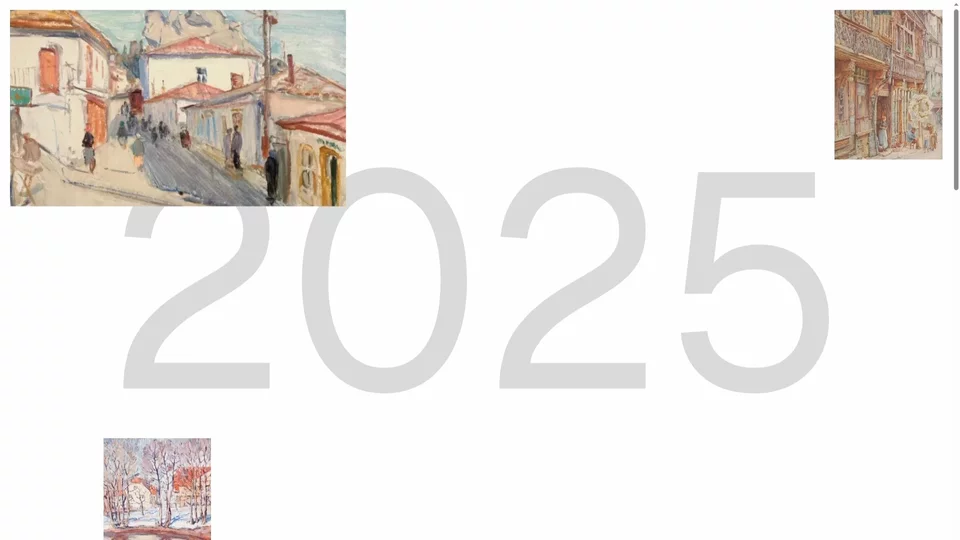
A grid that zooms out smoothly in sync with scroll, while parallax offsets between images build a sense of depth. GSAP ScrollTrigger keeps everything precisely tied to scroll position.
Techniques /
Original /
RelatsDescription /
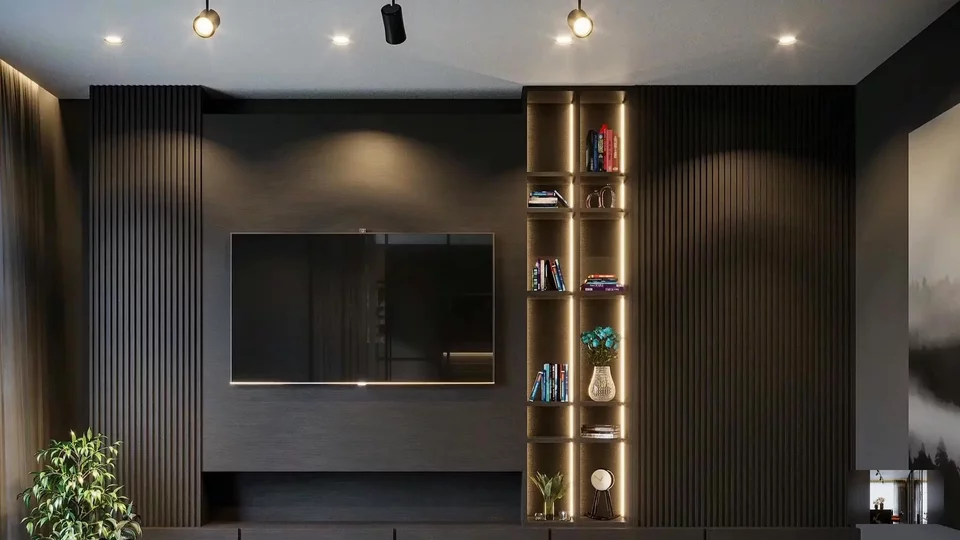
Sections slide behind one another as you scroll, building depth and hierarchy in the layout. GSAP ScrollTrigger drives the timing, keeping the content flow tight and giving the page a stronger narrative rhythm.
Techniques /
Original /
IventionsDescription /
Text items ride a sine wave, drifting horizontally as you scroll. Whatever sits closest to the viewport center gets highlighted. Wave frequency and speed are fully adjustable.
Techniques /
Original /
Plus-exDescription /
Draggable windows that each reveal a portion of the same video, masked through canvas clipping for precise edges. Z-index updates dynamically as windows are moved, with GSAP Draggable handling the interactions.
Techniques /
Original /
BeaucoupDescription /
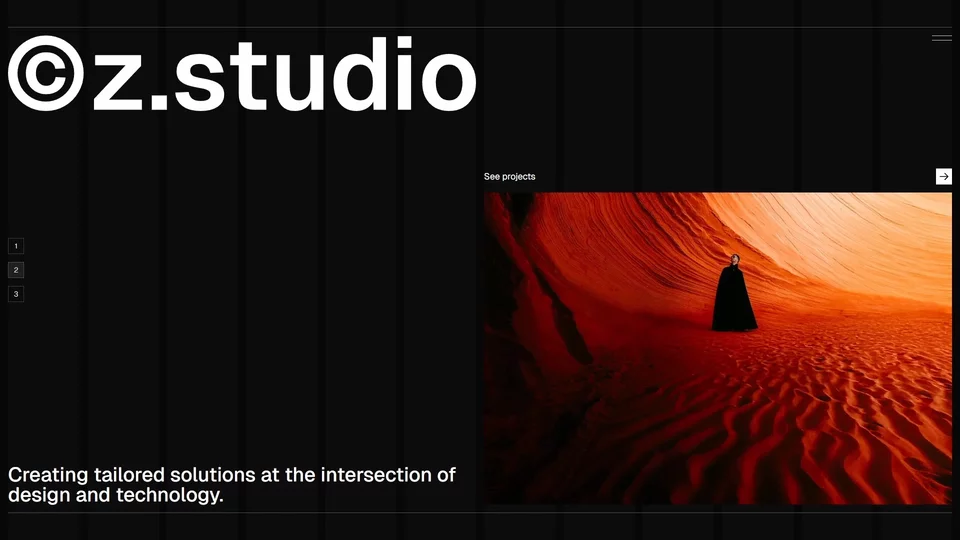
Year numbers stick at the viewport center while a cascading stagger carries the content past them. GSAP ScrollTrigger handles the scroll-based timing, turning the company history into a fluid narrative rather than a static list.
Techniques /
Original /
GKCDescription /
A low-resolution placeholder loads instantly, so the image feels present before it fully arrives. The Canvas API then animates a smooth depixelization, triggered only when the element enters the viewport via IntersectionObserver, with efficient canvas management keeping the whole thing light.
Techniques /
Original /
LocomotiveDescription /
Change the layout with CSS, grid, flexbox, whatever, and FLIP works out how to animate between the two states. No math, no manual tweening. Three completely different grid layouts run on identical code, with the kind of polish that makes an interface feel effortless.
Techniques /
Original /
CreativewebmanualDescription /
Several text layers sit in exactly the same position, each scaling at a different rate as you scroll. The offset builds immediate visual depth, and it takes only a few lines of GSAP to set up.
Techniques /
Original /
CreativewebmanualDescription /
Images reveal through an animated clip-path, paired with a 1.1x zoom during the transition and mouse parallax for depth. A minimap preview animates in sync with the main gallery, and GSAP Observer opens navigation to multiple inputs.
Techniques /
Original /
RadavilleDescription /
A cursor-following ball driven by GSAP quickTo, with its label pulled from data attributes so the component drops into any page unchanged. On hover, an infinite marquee runs through the text, and a clip-path handles the appear and disappear.
Techniques /
Original /
Elliott ManghamDescription /
A fundamental technique that adds depth to any image-based layout. Image parallax is one of those effects that appears simple but makes a significant impact on perceived quality.
Techniques /
Description /
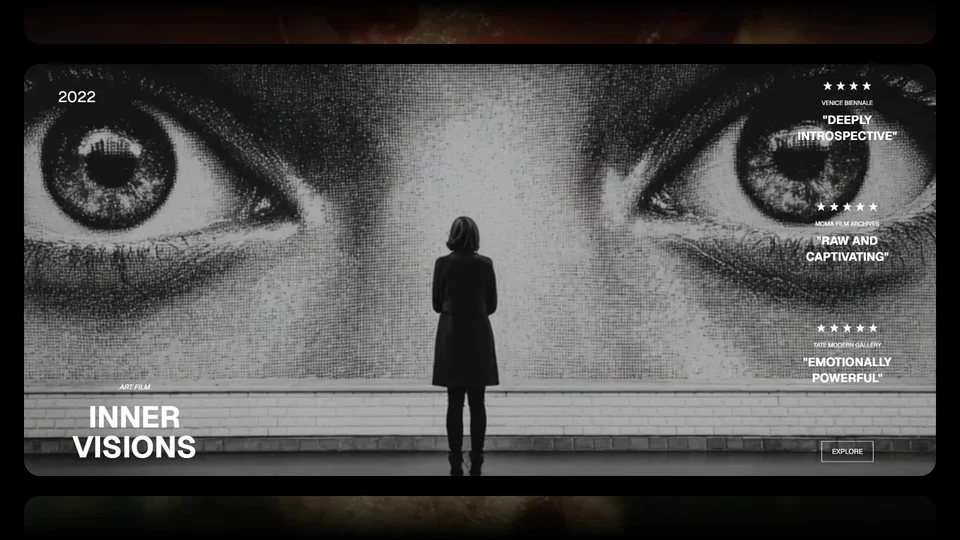
Each slide layers two parallax systems: images translate and scale based on their position in the flow, while text elements (year, title, reviews, CTA) travel at their own speed through a simple data-parallax attribute. Drag is distinguished from click, so every project stays navigable despite the gesture-driven interaction.
Techniques /
Original /
SienaDescription /
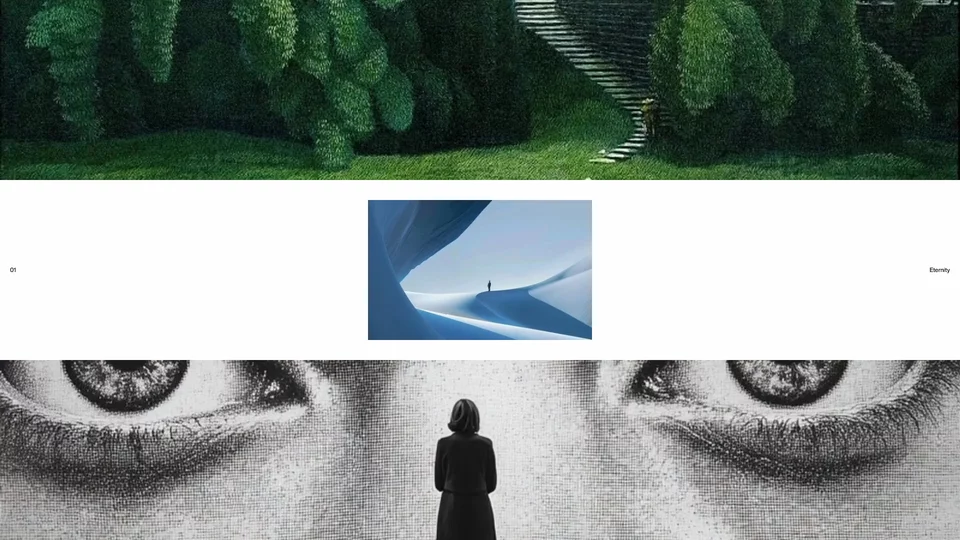
Exploring a vertical carousel: the center image slides into the top and bottom bands with a touch of parallax, and a WebGL lens warps the screen along the seams.
Techniques /
Description /
An infinite grid of glass panes. Only the ones near the center clear up to reveal the image behind. Several settings: follow the screen center or the cursor, reveal in rings or with a smooth radius.